
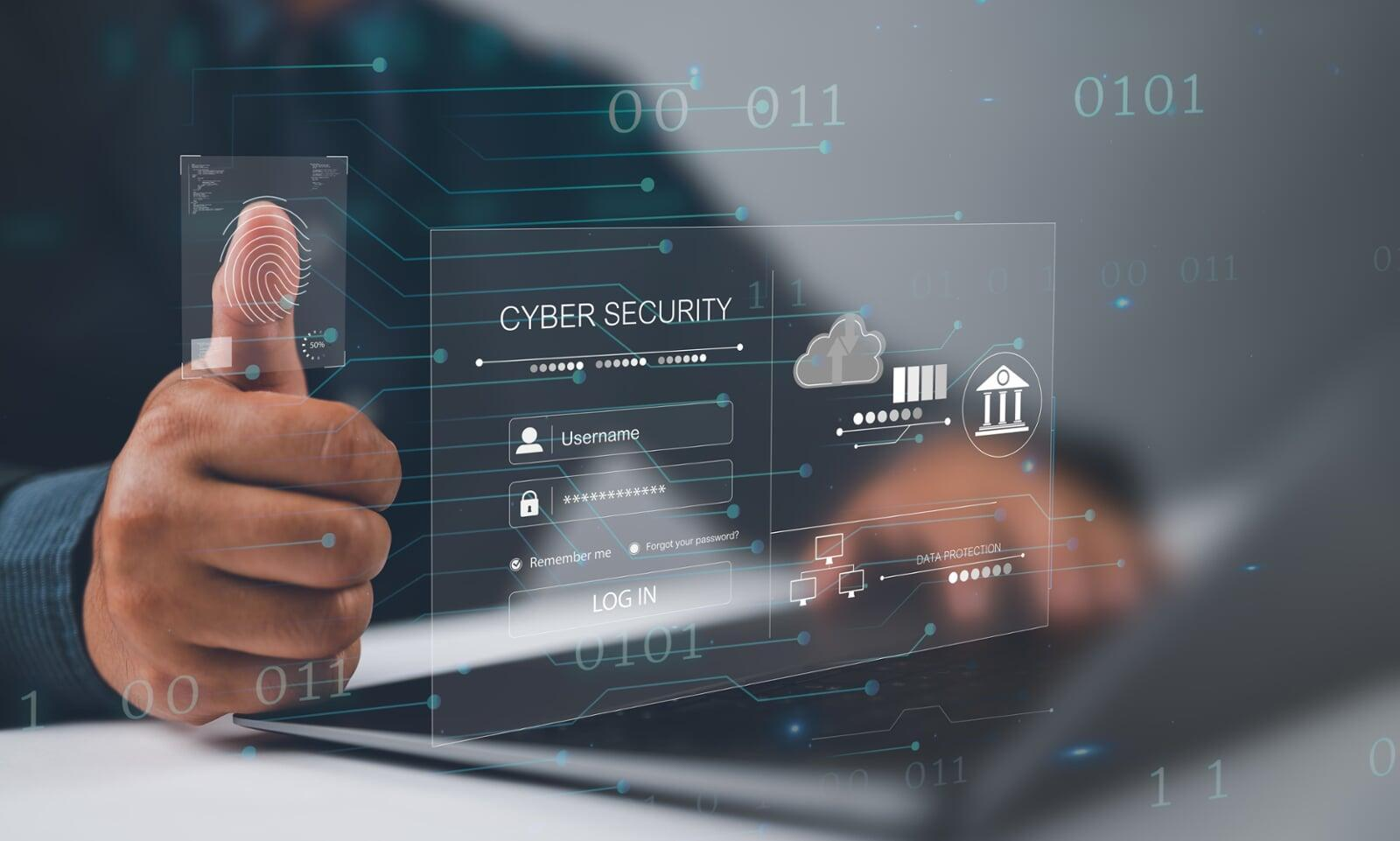
Have you ever wondered how vulnerable your business might be to cyberattacks? Recent reports show that nearly 43% of cyberattacks target small companies, making the implementation of MFA for small business a critical first line of defense against exploited passwords and weak security measures.
One of the most effective ways to protect your company is through Multi-Factor Authentication. This additional security layer makes it significantly harder for hackers to gain access, even if they already have your credentials.
At Cascade IT Services, we help small businesses across Central Oregon implement practical MFA solutions for small business, secure remote access, and safeguard sensitive data in an increasingly risky cyber landscape.
This guide will show you how to implement multi-factor authentication effectively, helping you protect your team, secure critical systems, and prevent costly breaches.
Before diving into the implementation process, let’s understand why Multi-Factor Authentication (MFA) is essential. Small businesses, despite their size, are not immune to cyberattacks. In fact, they are becoming prime targets for hackers seeking quick wins through weak security defenses. A single compromised password can result in massive breaches, data theft, and severe financial consequences.
MFA helps prevent this. It’s a security method requiring more than just a password to access an account or system. Additional layers of verification—such as a time-based code, biometric scan, or physical security token—make it far more difficult for unauthorized users to gain entry, even if they’ve stolen your password.
The reality is, it’s no longer a question of if your business will be targeted, but when. Implementing MFA significantly reduces your risk of falling victim to threats like phishing, credential stuffing, and other password-based attacks.
For professional guidance, check out our Cyber Security Services to implement MFA for small business and strengthen your defenses.

Multi-Factor Authentication (MFA) is a security process requiring users to provide two or more independent factors when logging into an account or system. Instead of relying solely on a single credential, like a password, MFA demands multiple types of proof that a user is who they claim to be, making unauthorized access much more difficult.
Here’s how MFA works, broken into three core components:
This factor is knowledge-based something only the user should know, such as a password or a PIN. While it’s the first line of defense, it’s also the weakest, as passwords can be stolen, guessed, or hacked through phishing or brute-force attacks.
Examples:
While convenient, this factor alone isn’t enough to secure sensitive systems or data.
This factor relies on possession-based authentication—something physical the user has, making it far harder for an attacker to gain access unless they physically steal the item.
Examples:
These physical devices significantly increase security by adding another barrier beyond simply knowing a password.
This is biometric authentication, based on physical characteristics or behaviors unique to each person. It’s one of the most secure forms of authentication because it’s extremely difficult to replicate.
Examples:
Even if a hacker obtains a user’s password and device, replicating their biometric traits is extraordinarily challenging.
Implementing MFA might feel overwhelming, but it’s manageable if approached step by step. Here’s how to get started:
Begin by analyzing your existing security measures. Identify which accounts, systems, and applications hold the most sensitive information and are therefore top priorities for MFA implementation.
Addressing the highest risks first ensures a solid security foundation.
There’s no one-size-fits-all MFA solution. Your business size, budget, and specific security needs will dictate the right choice. Here are a few popular MFA solutions well-suited for small businesses:
A free, widely used app that generates time-based codes. Simple and effective for securing many types of business accounts.
Known for a user-friendly interface and flexible options, Duo offers both cloud-based and on-premises solutions, making it accessible for businesses of various sizes.
Well-suited for larger businesses but also offers scalable solutions for small businesses. Supports push notifications, biometric verification, and integration with various enterprise applications.
Offers cloud backups and multi-device syncing, making it easy for users to access MFA codes across multiple devices, a convenient feature for remote workers.
When selecting a solution, consider ease of use, integration with your existing systems, cost, and scalability for future growth.
Once you’ve chosen an MFA provider, follow these steps to implement it throughout your business:
Begin with applications that handle sensitive data—email services, cloud storage, CRM platforms, and financial systems.
Make MFA mandatory for everyone, not just high-level executives. Remote workers should also use secure methods like VPNs combined with MFA for extra protection.
Educate employees on why MFA is crucial and how to use it. Offer easy-to-follow guides and support resources for those unfamiliar with the technology.
A smooth rollout depends on clear communication and employee buy-in.
Cybersecurity isn’t a one-time task—it’s an ongoing process. Regularly evaluate your MFA implementation to ensure it stays effective.
New technologies and threats constantly emerge. Consider adopting stronger methods, such as biometric authentication, or upgrading to newer tools as they become available.
As your business grows and changes, reassess which systems and users require MFA. New platforms or remote work policies might introduce additional security needs.
If an employee loses a device used for MFA, have a policy in place for rapid updates or resets. Ensure staff knows how to handle lost devices, changes in phone numbers, or access issues.
Even after implementation, it’s vital to test your MFA system periodically. Routine testing:
Consider running simulated phishing exercises to verify employees know how to respond and use MFA effectively. It’s equally important to monitor usability. If MFA becomes too cumbersome, employees may look for ways to bypass it, weakening security.
While MFA is powerful, rolling it out can present challenges. Here’s how to address the most common obstacles:
Some employees may view MFA as inconvenient. Overcome this through education about how MFA protects both the business and individual user accounts. Training and hands-on support ease the transition.
Not all business systems are MFA-ready. Choose an MFA solution with strong integrations for popular software, or be prepared for custom configurations.
For small businesses, cost is a concern. Start with free or low-cost options, like Google Authenticator, and scale up as your business grows.
Managing employees’ MFA devices can be challenging. Cloud-based apps like Authy, which sync across devices, offer flexibility and reduce reliance on a single device.
Establish policies for handling lost or stolen MFA devices. Include steps for deactivating old credentials and quickly restoring access through alternative methods or backup codes.
Learn more about protecting your business with Managed IT Services and Disaster Recovery & Backup Solutions.

MFA for small business is one of the most effective ways to secure sensitive systems, protect data, and support secure remote access. By combining technology, training, and ongoing monitoring, your business minimizes risk from cyber threats.
At Cascade IT Services, we help small and mid-sized businesses throughout Central Oregon deploy MFA solutions, hardware security tokens, and robust cybersecurity strategies.
Contact us today to safeguard your business and ensure your team’s digital safety.
Disclaimer: This blog post is for informational purposes only and does not constitute legal, financial, or IT advice. For professional guidance tailored to your business, consult with Cascade IT Services or a certified Microsoft partner.
Article used with permission from The Technology Press.