
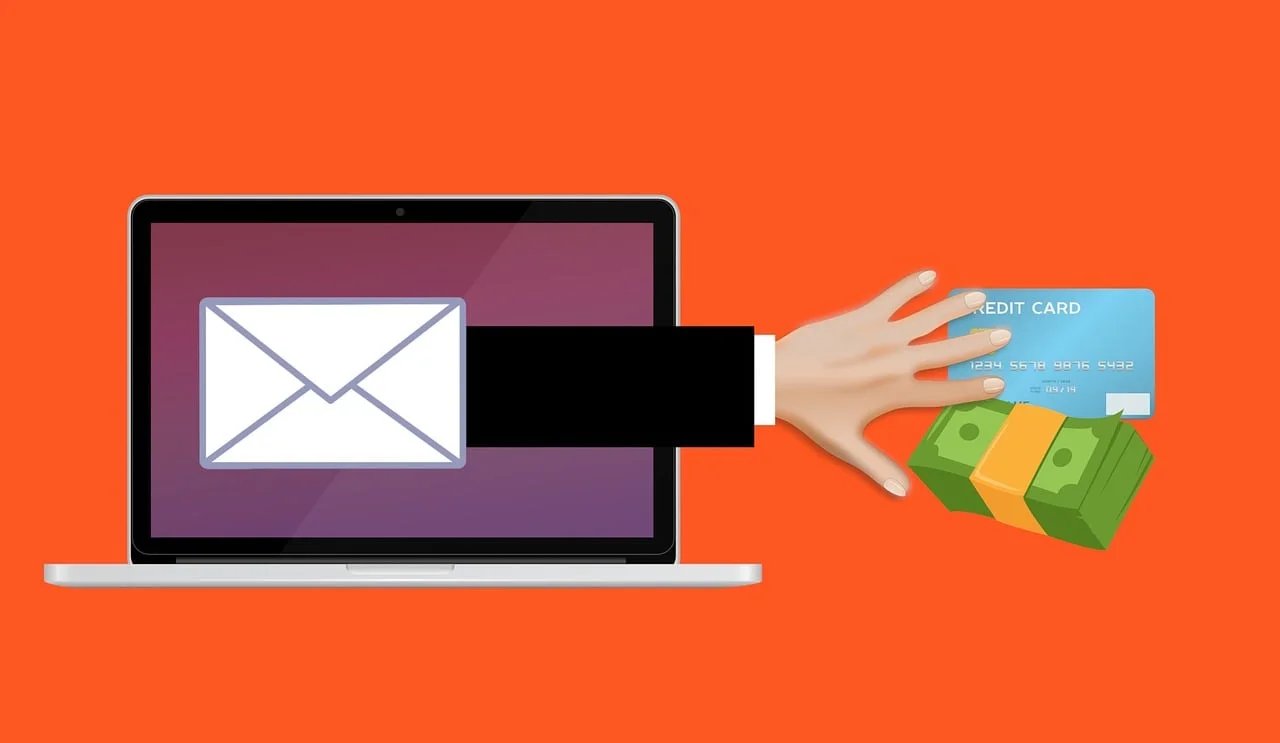
Article Summary: Scammers now use AI to write their phishing emails, so the spelling and grammar mistakes that used to give them away are gone. The UK’s National Cyber Security Centre and the FBI both warn that AI makes these messages cleaner, more personal, and harder to spot. The way to catch them now is to look at what an email is asking you to do, because the writing no longer gives anything away.
For years, the advice for spotting a scam email was simple: look for bad spelling and clumsy grammar. A real bank or supplier writes properly, the thinking went, so a message full of mistakes was probably fake. It was easy to teach, and for a long time it worked.
It doesn’t anymore. Scammers now use AI to write their emails, and AI writes cleanly. The typos and awkward phrasing that used to give phishing away are gone, and the messages landing in your team’s inbox read as well as anything from a real company. Worse, they can be written to sound like they came from someone you already know.
The spelling-and-grammar tell worked because a lot of scammers were writing in a language that wasn’t their own, and the mistakes showed. AI took that away.
The UK’s National Cyber Security Centre says generative AI can now create convincing phishing lures “without the translation, spelling and grammatical mistakes that often reveal phishing.” The FBI says the same: criminals use AI to limit the grammar and spelling errors that used to mark a message as fake, so it reads as believable. That means the one thing most people were trained to look for no longer tells you much.
These days, a malicious message isn’t always the obvious “Dear customer, your account is suspended.” Instead, someone in your finance team might receive a targeted message that looks like it came from a real supplier, references an ongoing project, and asks to update bank details for an upcoming invoice. Without strong cyber security services and awareness training, these attacks easily slip past unsuspecting staff.
It’s tempting to assume your automated email security will catch every threat. While spam filters stop a high volume of generic spam, a well-written, personalized message with no malicious link or attachment can easily bypass automated security scans. Both cybersecurity authorities and managed IT specialists expect sophisticated AI phishing emails to penetrate standard defenses, making educated employees your ultimate backstop.
If you want to evaluate your current defense posture, exploring comprehensive managed IT services can help identify gaps in your security stack.
AI has done the same thing to phone calls and texts. The FBI warns that criminals can clone a voice from a short audio clip, enough to leave a voicemail that sounds like your boss or a family member asking for an urgent payment. The same thing that makes AI emails so convincing makes AI phone scams convincing too. The defense is the same: if a call or voicemail asks for money or logins, hang up and call the person back on a number you already have.

If you can’t trust how an email is written, look at what it’s asking you to do. That’s where the real warning signs are, and AI hasn’t changed them:
Every one of these is about what the email is asking for. So the rule to teach your team is simple: when a message is about money, logins, or how you pay someone, slow down before you act.
Teaching your workforce how to spot a phishing email requires updating your security protocols:
If you need guidance on configuring your cloud tools or email environment, feel free to contact our team for expert assistance.
Not reliably. Attackers use AI to write clean, correct emails now, so a message with perfect spelling can still be a scam. Judge it by what it asks you to do.
The request itself: paying money, changing bank details, sharing a login or code, or being pushed to act urgently. Those signs don’t depend on how the email reads.
Yes. The NCSC and the FBI have both warned that AI makes phishing more convincing and more personal, and the FBI has tied AI to tens of thousands of fraud complaints and hundreds of millions in losses. Cleaner, tailored messages get opened and clicked more often.
It will catch a lot, and you should keep it on. But a well-written, personalized email with no obvious bad link can still look legitimate to a filter, so don’t rely on it alone. A trained person is the backstop.

Employees should pause and verify the message through a separate trusted communication channel. If you’re looking to strengthen your company’s overall technical defenses and employee security posture, explore our complete range of IT services or visit our about us page to learn more about how we help protect local businesses.
Disclaimer: This blog post is for informational purposes only and does not constitute legal, financial, or IT advice. For professional guidance tailored to your business, consult with Cascade IT Services or a certified Microsoft partner.
Article used with permission from The Technology Press.